Minecraft offers an incredible sandbox experience, but the true magic of the game often unlocks when you play with others. While single-player worlds provide a quiet space for personal creativity, multiplayer servers bring dynamic economies, large-scale builds, custom mini-games, and vibrant communities into the mix. However, finding the right environment is crucial. The server you choose dictates your entire gameplay experience, from the rules you must follow to the people you interact with daily. With thousands of options available, selecting the perfect server can feel like an overwhelming task. This comprehensive guide will walk you through exactly how to navigate Minecraft server lists and find the ideal virtual home.
Understanding Minecraft Server Lists
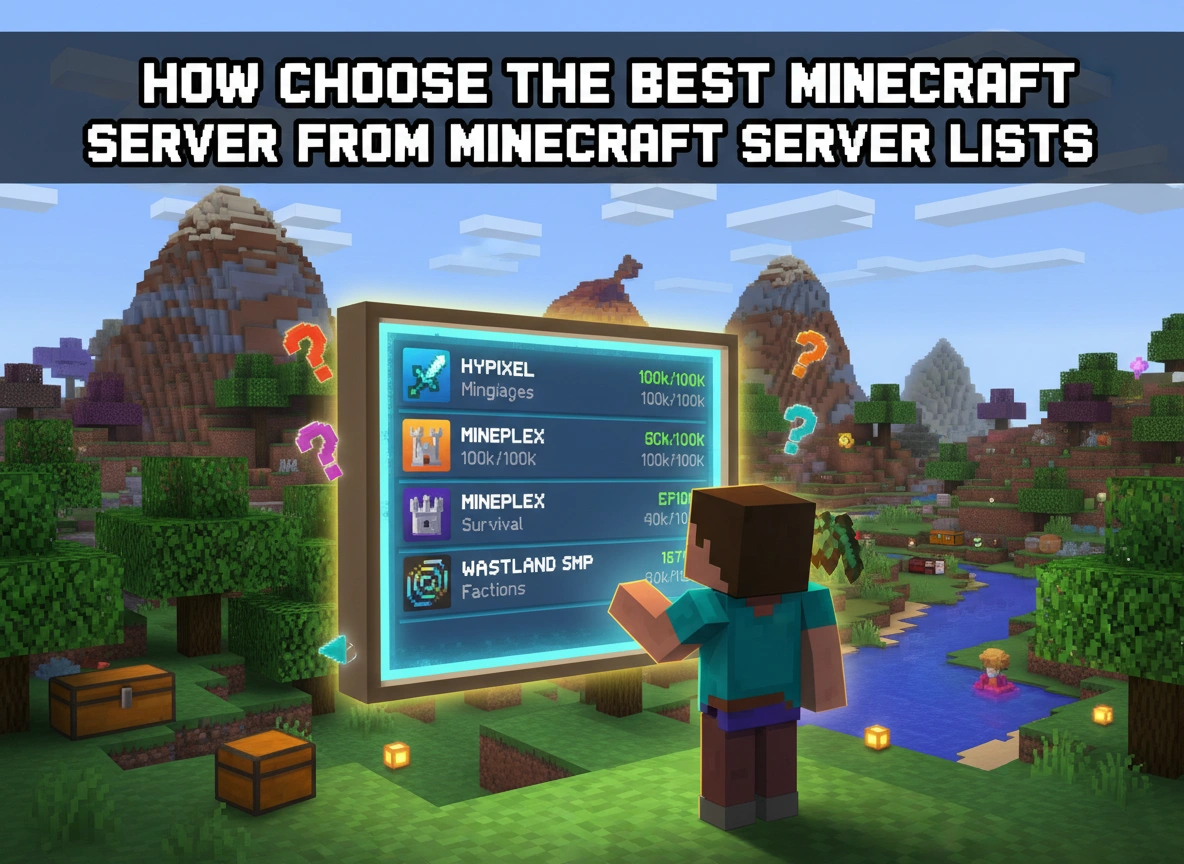
Minecraft server lists act as directories or search engines specifically designed for multiplayer communities. Website platforms compile active servers and display them based on various metrics, primarily player votes, server uptime, and current player counts.
When you visit a server list, you will typically see a massive leaderboard. Server owners register their networks on these sites to attract new players. To rank higher on the leaderboard, owners encourage their existing players to vote for the server daily, often rewarding them with in-game currency or items.
While the top-ranked servers are usually highly active and well-established, rank alone does not determine quality. A high rank simply means a server has a large, active voting base. To truly utilize a server list, you must take advantage of the search filters and tags. These tools allow you to narrow down the thousands of listings to match your specific preferences regarding game modes, server location, and required game versions.
Key Factors to Consider When Choosing a Server
Before copying an IP address and launching your game, you need to understand what you actually want out of your multiplayer experience. Evaluating servers based on a few core factors will save you hours of trial and error.
Server Type and Game Modes
Minecraft servers come in many different flavors. You need to align the server type with your preferred playstyle.
- Survival (SMP): These servers focus on the core Minecraft experience. You gather resources, build bases, and survive against mobs. Many feature economy plugins and land claiming to protect your builds.
- Factions: This is a competitive, PvP-focused mode. Players form teams (factions), claim land, and build heavily fortified bases. The goal is to raid other factions and dominate the server economy.
- Skyblock: You spawn on a tiny island in the sky with minimal resources. The objective is to expand your island, complete challenges, and build an empire from nothing.
- Minigames: Networks like Hypixel focus on short, highly customized games such as BedWars, SkyWars, or Hide and Seek.
- Creative: These servers give you unlimited resources and flying abilities. They are perfect for players who just want to design and build without the hassle of resource gathering.
Community and Player Base
The size of a server dramatically changes the experience. Massive networks with thousands of concurrent players offer non-stop action, instant matchmaking for minigames, and booming economies. However, they can feel impersonal. If you prefer getting to know your fellow players and forming tight-knit friendships, a smaller server with 20 to 50 active players might be a much better fit.
Rules and Moderation
A server is only as good as its staff team. Every community needs clear rules and active moderators to enforce them. Read the server rules before joining. Do they align with your expectations? Some servers allow griefing and stealing, framing it as part of the challenge. Others maintain strict rules against any form of non-consensual player combat or property destruction. Choose an environment where you feel comfortable with the established boundaries.
Performance and Uptime
Nobody enjoys playing on a server that constantly stutters or crashes. Server performance depends heavily on the hardware the owner uses and the geographical location of the host. If you live in Europe and play on a server hosted in Australia, you will likely experience high latency (ping), resulting in delayed block breaking and choppy combat. Look for servers hosted in your region to ensure smooth gameplay.
Plugins and Mods
Most servers use plugins to enhance the vanilla game. These can range from simple quality-of-life additions, like setting a home teleport point, to complex custom items, skill trees, and player-driven marketplaces. Decide whether you want a pure vanilla experience, a “semi-vanilla” server with light modifications, or a heavily modified server that completely changes how the game operates.
Evaluating Server Quality and Reputation
Once you find a server on a list that matches your criteria, do a little background research before investing your time.
Start by checking the server’s website or forums. A well-maintained, professional website usually indicates a dedicated ownership team. Look for recent updates, active discussions, and detailed guides.
Next, locate the server’s Discord community. Joining a server’s Discord is the fastest way to gauge the community vibe. Look at the general chat to see how players interact with one another. Are they welcoming to newcomers? Is the chat heavily toxic? Check the support channels to see how quickly the staff team responds to player issues.
Pay close attention to monetization. Running a server costs money, and it is normal for owners to offer VIP ranks or cosmetic perks. However, you should avoid “pay-to-win” servers. If a server allows players to buy overwhelmingly powerful weapons, unraidable armor, or unlimited resources with real money, the gameplay experience will be inherently unbalanced and frustrating for free-to-play users.
How to Test a Server Before Committing
You can do all the research in the world, but the ultimate test requires actually logging into the server. When you join a new network, treat your first hour as an evaluation period.
First, look at the spawn area. Is it well-built, organized, and easy to navigate? A confusing spawn often reflects poor server management. Read the information boards and check if the basic commands work smoothly.
Pay attention to the chat box while you explore. You can learn a lot about a server by quietly observing what people talk about. If you see constant arguments or players complaining about lag, take note.
Introduce yourself and ask a simple question in the global chat, such as asking for recommendations on where to build or how a specific plugin works. The responses you receive will tell you immediately whether the community is helpful or hostile.
Finally, test the latency. Break a few blocks, interact with chests, and fight a few basic mobs. If the items take a second to drop or the mobs teleport around erratically, the server might not offer the performance you need for a long-term commitment.
Conclusion
Finding the perfect Minecraft server takes a bit of patience, but the effort pays off immensely. By understanding how server lists operate, you can look past the top-ranked voting giants and utilize search tags to find communities that perfectly match your playstyle. Always prioritize servers with transparent rules, fair monetization, and strong performance in your geographical region.
Take your time exploring different options. Do not feel obligated to stay on the first server you join if it does not feel right. Join their Discord, test the connection, and chat with the players. When you find a server with a welcoming community, dedicated staff, and the game modes you love, you will know you have found your new virtual home.